
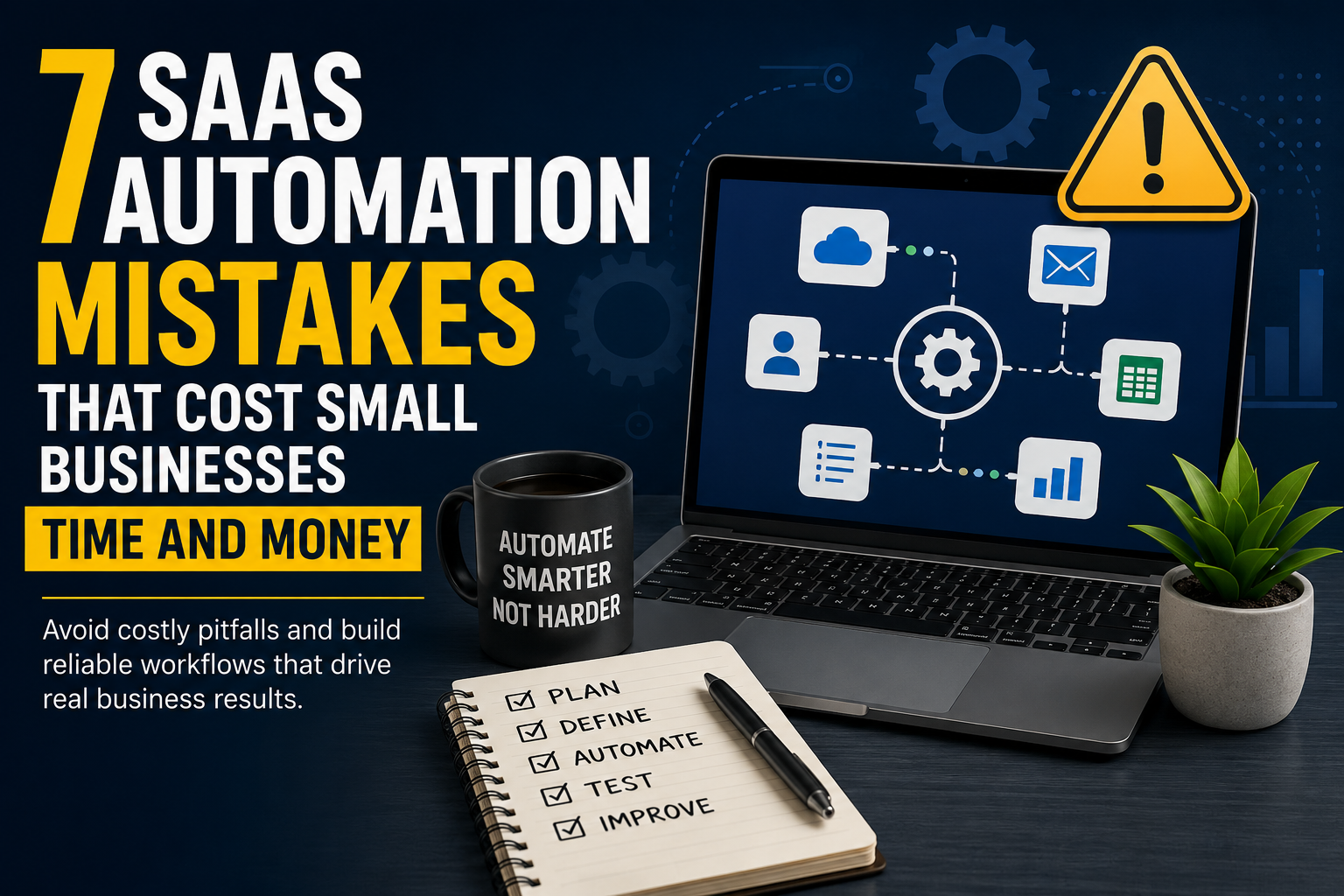
Automation can save a small business hours of repetitive work, but it can also make a weak process fail faster and at a larger scale.
The risk is rarely the automation platform itself. Problems usually begin when a business automates before defining the process, gives integrations more access than they need, ignores exceptions, or never measures whether the workflow is producing a real return.
Small teams are especially exposed because the same person may be responsible for the CRM, accounting system, email marketing platform, project-management software, and the integrations connecting them. A silent failure can therefore affect several parts of the business before anyone notices.
The goal should not be to automate everything. It should be to automate the right work, with clear ownership, sensible controls, and a measurable business outcome. The following seven mistakes are among the most avoidable.
1. Automating a Broken Process
One of the most expensive automation mistakes happens before a workflow is built. A business sees a repetitive task and assumes that automating it will automatically improve it.
Consider a sales team that manually enters website leads into a CRM. Connecting the form directly to the CRM looks like an obvious improvement. But if the existing process has inconsistent fields, duplicate contacts, unclear lead ownership, and no agreed definition of a qualified lead, the automation simply moves those problems faster.
Before building anything, map the workflow in plain language. Identify what starts the process, which information is required, which system owns the authoritative record, where decisions are made, who handles exceptions, and what counts as successful completion.
A useful sequence is simple: simplify first, standardize second, automate third. Removing unnecessary steps before automation usually produces a smaller workflow with fewer failure points.
2. Choosing the Tool Before Defining the Workflow
Automation platforms advertise large integration libraries, which can encourage tool-first thinking: “We have this platform, so what can we automate with it?” A better question is: “What business problem are we solving, and what capabilities does the workflow actually require?”
Suppose a company wants to automate customer onboarding across a CRM, e-signature platform, invoicing system, project-management app, and email service. It is not enough to confirm that all five products appear in an integration directory. The business also needs to know whether the required actions and fields are supported, how authentication works, what happens when an API limit is reached, whether execution logs are available, and how failed operations can be recovered.
Write a short workflow specification before selecting the tool. For example: trigger – customer marked “Won” in the CRM; actions – create project, generate invoice, assign account manager, send welcome email; required data – customer name, email, service package, contract value; exception – missing billing information; owner – operations manager; success condition – project and invoice created and recorded in the CRM.
This makes software selection a response to a business requirement rather than forcing an important process to fit the limitations of a tool purchased too early.
3. Automating Too Much Too Quickly
Once the first workflow works, it is tempting to automate every repetitive task. That can create an invisible web of dependencies: one automation updates the CRM, another watches the CRM and updates accounting, a third reacts to the accounting change, and a fourth sends a notification.
Months later, someone changes a field name, removes a user account, replaces an application, or edits a trigger. Several workflows can fail at once, and nobody may remember which dependency caused the problem.
A safer approach is incremental. Start with repetitive, rule-based, reasonably high-volume processes that use structured information, are easy to verify, and can be reversed if something goes wrong. Internal notifications, task creation, lead routing, scheduled reporting, and synchronization of non-sensitive records are often better early candidates than irreversible or financially sensitive actions.
High-impact workflows deserve additional controls. Automatically deleting records, issuing refunds, changing financial data, or sending sensitive information should not be treated like creating an internal task.
Practical reference: When a workflow becomes business-critical, failure handling should be designed rather than improvised. XVIFS provides a practical Make.com error handling tutorial showing how error paths can be incorporated into automation design.
4. Ignoring Data Quality and Integration Problems
Automation depends on data being predictable. If records are incomplete, duplicated, inconsistent, or formatted differently across applications, the workflow becomes unreliable.
A human can often recognize that “UAE,” “United Arab Emirates,” and “U.A.E.” refer to the same place. Software follows rules. The difference matters when a workflow uses exact matching, conditional routing, duplicate detection, or validation.
For each important data category, decide which application is the source of truth. Customer identity might belong to the CRM, invoice status to the accounting platform, project status to the project-management system, and email subscription status to the marketing platform.
Validate information as early as possible. Required fields, expected formats, duplicate identifiers, and acceptable values should be checked before a record triggers several downstream actions. A small validation step can prevent a single bad record from becoming a chain of bad updates.
5. Building the Happy Path but Ignoring Failure
Many workflows are designed around an optimistic assumption: every form is complete, every API responds, every credential remains valid, and every destination service is available.
Real systems do not behave that way. Credentials expire, services experience temporary outages, APIs impose limits, users enter unexpected values, and integrations change.
For every important automation, ask one question during design: what happens if this step fails? Depending on the process, the answer may be to retry, record the error, notify a responsible employee, move the item to a review queue, stop subsequent actions, or allow a person to finish the task manually.
Not every failure should be retried automatically. A temporary connection problem may justify another attempt; invalid customer information usually requires correction. For high-impact actions, a hybrid workflow can be stronger than full automation: automation prepares the action, a person verifies it, and automation completes it.
6. Giving Automations More Access Than They Need
Convenience can create security risk. During setup, a small business may connect an automation platform using an administrator account because it works immediately. The workflow may then be able to read, modify, or delete far more information than its task requires.
That increases the impact of compromised credentials, tokens, or connected accounts. The principle of least privilege is a useful safeguard: users and processes should receive only the access needed to perform their assigned function.
Where supported, use dedicated service accounts, grant only necessary permissions, avoid administrator credentials for routine workflows, protect API keys and tokens, remove access when integrations are retired, review connected applications periodically, and enable multi-factor authentication.
Risk should also reflect the data moving through the workflow. A newsletter subscription process does not have the same exposure as an automation handling payroll, contracts, financial records, or identity documents.
7. Never Measuring Whether the Automation Saves Anything
A workflow can run successfully without being a successful investment. Businesses sometimes count the number of automations or executions instead of measuring the outcome.
Establish a baseline before automating. If a task takes eight minutes and occurs 150 times each month, the manual workload is 1,200 minutes, or 20 hours. If the automated version still requires three hours of exception handling and one hour of maintenance, the effective saving is closer to 16 hours per month.
Compare that saving with subscription costs, implementation effort, maintenance, and the cost of failures or rework. Useful measures include employee hours saved, cost per completed workflow, failure rate, number of manual exceptions, processing time, error reduction, customer response time, and software costs.
An automation should remain because it creates measurable value, not because somebody spent time building it.
A Better Small-Business Automation Framework
- What problem are we solving? Describe the business outcome, not the software feature.
- Is the underlying process stable? Simplify and standardize it before automating.
- What could fail? Design validation, logging, retries, notifications, and human intervention before launch.
- What access does the automation require? Give it only the permissions and information necessary for the job.
- How will success be measured? Define the baseline and the expected improvement before the workflow goes live.
This framework keeps automation tied to business outcomes and risk management instead of treating integrations as isolated technical projects. Small businesses do not need enterprise-scale governance for every workflow, but they do need clear ownership, appropriate access, and a way to recognize when an automation is no longer helping.
Final Thoughts
SaaS automation can give small businesses capabilities that once required dedicated operations or IT teams. Routine information can move between applications automatically, employees can receive timely notifications, and repetitive administration can be reduced substantially.
The biggest gains, however, rarely come from connecting the largest possible number of applications. They come from understanding the process first.
A good automation has a clear purpose, reliable data, controlled permissions, defined failure behavior, appropriate human oversight, and a measurable outcome.
The better question is not, “What else can we automate?” It is, “Which process can we improve safely and measurably?” Answer that first, and automation becomes a business improvement tool rather than another layer of technical complexity.
References
- NIST Cybersecurity Framework 2.0: Small Business Quick-Start Guide
- NIST Small Business Cybersecurity guidance
- CyberSanso SaaS Comparisons
Author Bio
Muhammad Salman contributes to XVIFS, a technology publication covering AI tools, SaaS, business software, automation, marketing tools, and practical technology guides. His contributions focus on helping businesses evaluate and use digital tools more effectively.